


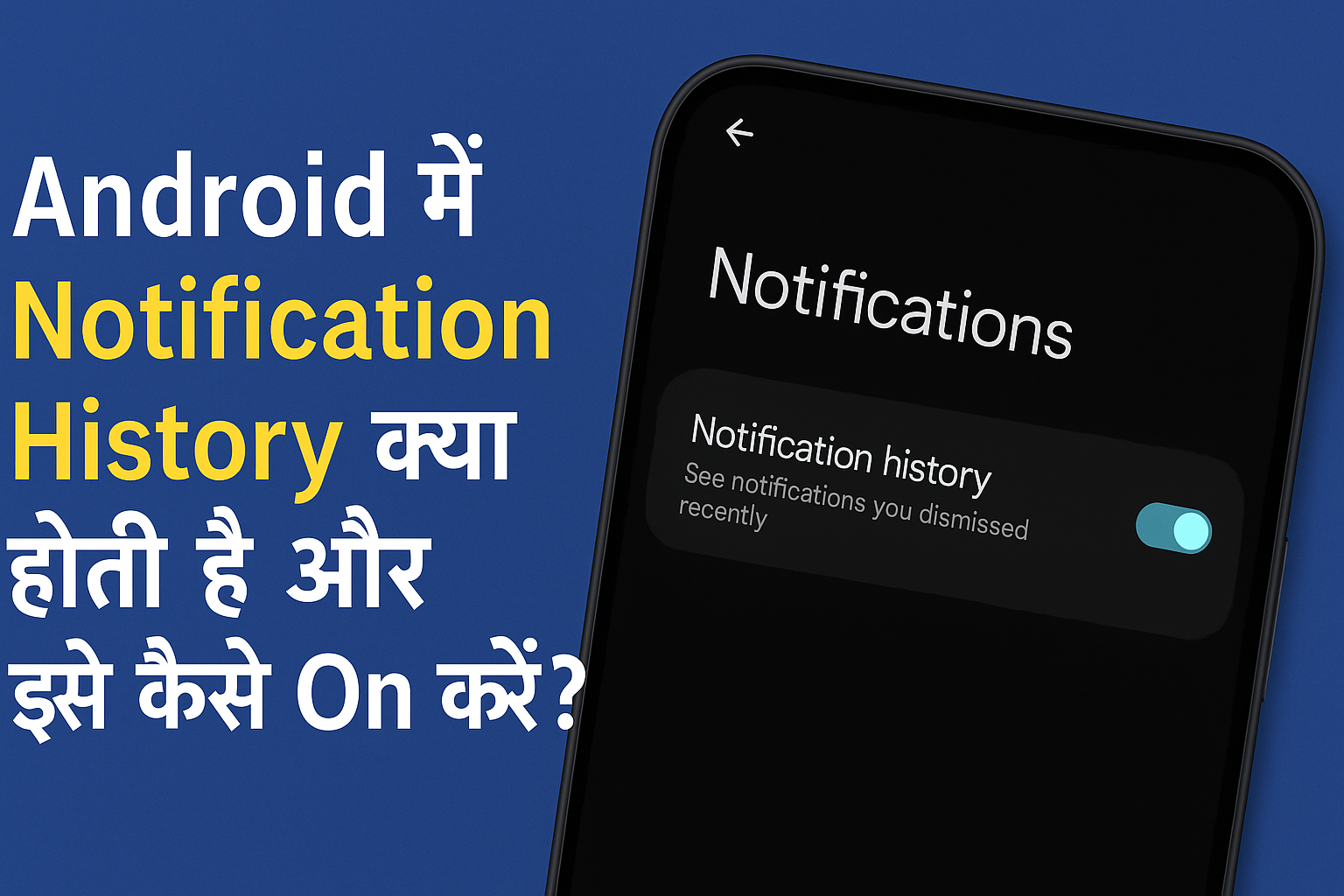
Android Notification History क्या होती है? इसे ऑन कैसे करें, पुरानी notifications कैसे देखें और क्या ये फीचर हर फोन में आता है? जानिए पूरी जानकारी आसान हिंदी में इस पोस्ट में।
Introduction:
कभी-कभी हम गलती से कोई important notification swipe कर देते हैं और फिर उसे वापस लाना मुश्किल हो जाता है। चाहे वो बैंक का मैसेज हो, WhatsApp की OTP या किसी ऐप का अपडेट, सभी notifications जरूरी हो सकते हैं।
2025 में Android ने एक ज़बरदस्त feature introduce किया है – Notification History – जिससे आप 24 घंटे तक के पुराने notification फिर से देख सकते हैं, भले ही आपने उन्हें हटा दिया हो।
आइए इस फीचर को detail में समझते हैं।


❓ People Also Ask (PAA):
1. 📲 Android Notification History क्या होती है?
Android Notification History एक ऐसा फीचर है जो आपके पुराने, delete या swipe किए गए notifications को एक जगह save करके दिखाता है।
इससे आप कोई भी miss किया हुआ notification 24 घंटे तक फिर से access कर सकते हैं।
2. ⚙️ Notification History को कैसे ऑन करें?
- अपने फोन की Settings में जाएं
- Notifications पर टैप करें
- Notification History पर क्लिक करें
- “Use notification history” को ON करें
अबसे जितने भी notifications आएंगे और आप हटाओगे, वो History में मिल जाएंगे।
📅 कितने दिन तक Notification history सेव रहती है?
- अभी Android 12+ में यह history 24 घंटे तक सेव रहती है
- Future Android versions में यह बढ़ भी सकती है
- कुछ custom ROMs जैसे MIUI, One UI में यह limitation अलग हो सकती है
4. ❌ क्या Notification History हर फोन में होती है?
नहीं। यह feature Android 11 से introduce हुआ था।
Older phones (Android 10 और उससे नीचे) में ये feature नहीं मिलता।
Brands जैसे Samsung, Vivo, Oppo, Infinix में इसे ढूंढने के लिए अलग setting navigation हो सकता है।
5. 🔐 क्या Notification History सुरक्षित है?
हाँ। यह feature सिर्फ आपके फोन में saved रहता है और किसी server पर नहीं भेजा जाता।
कोई और यूज़र अगर आपका फोन अनलॉक करे तो वो देख सकता है — इसलिए lock screen पर notifications hide करना अच्छा option है।
🧩 क्या Google Pixel और Samsung में इसे ऑन करने का तरीका अलग होता है?
हाँ। Pixel में:
Settings → Notifications → Notification History
Samsung One UI में:
Settings → Notifications → Advanced Settings → Notification History
7. 📱 अगर Notification History ऑन नहीं हो रही तो क्या करें?
- पहले Android version check करें (11+ required)
- Clear cache of Settings app
- Last resort: Third-party apps जैसे Notisave, Filterbox try कर सकते हो (privacy read जरूर करें)
8. 🧠 क्या Notification History से सभी notifications दिखते हैं?
नहीं, कुछ system apps या secure content (जैसे OTP apps, banking apps) की notifications history में नहीं आती।
Real-Life Use Cases:
| Use-Case | Benefit of Notification History |
|---|---|
| गलती से WhatsApp msg swipe किया | दोबारा पढ़ सकते हैं |
| Bank OTP miss हो गया | History से check कर सकते हैं |
| Delivery update swipe कर दिया | Package status वापस देख सकते हैं |
| कोई unknown app बार-बार notify कर रही है | Identify करके uninstall कर सकते हैं |
| Use-Case Scenario | Benefit of Notification History |
|---|---|
| WhatsApp message गलती से swipe कर दिया | बिना chat खोले direct notification से message देख सकते हैं |
| Bank OTP या UPI alert मिस कर दिया | History से OTP दोबारा access कर सकते हैं |
| Amazon/Flipkart order delivery alert चला गया | Tracking update फिर से देख सकते हैं |
| कोई unknow app बार-बार push notifications भेज रही है | History से उस app की पहचान कर uninstall कर सकते हैं |
| YouTube या Instagram का कोई live alert miss हो गया | History से देख सकते हैं किसका live चल रहा था |
| Multiple apps के offers swipe हो गए | Cashback या coupons फिर से access कर सकते हैं |
| कोई incoming call alert (missed call) swipe हो गया | History में caller की app notification फिर से मिल सकती है |
| Telegram channels से important alerts miss हो गए | History में group/channel notifications मिलते हैं |
| फोन किसी और ने इस्तेमाल किया और कुछ hide कर गया | History में आप check कर सकते हैं कि क्या आया था |
| Government या IRCTC की notification गलती से हटा दी | Train/Exam updates History से दोबारा देख सकते हैं |
| Use-Case Scenario | Benefit of Notification History |
|---|---|
| YouTube पर किसी Shorts या reel का notification miss हो गया | History से उस वीडियो को फिर से explore कर सकते हैं |
| कोई Zomato/Swiggy order update आया और swipe हो गया | Delivery boy का contact या ETA फिर से देख सकते हैं |
| Job या Sarkari Result apps की alert गलती से हट गई | Notification history से job update दोबारा check कर सकते हैं |
| Health या Fitness app ने reminder भेजा और वो हट गया | Daily step goal, water intake या heart rate फिर से देख सकते हैं |
| Daily Quotes या Habit Tracker apps की motivation alert हट गई | History में दोबारा inspiration ले सकते हैं |
| Alarm या Reminder app की quick dismiss हो गई | History में जाकर उस missed reminder को फिर से open कर सकते हैं |
| Flight या hotel booking confirmation alert swipe हो गया | Trip info वापस मिल सकता है notification history से |
| एक ही ऐप से multiple notifications आए, पर सब merge हो गए | History में उन्हें अलग-अलग देखने का option मिलता है |
| Online class या Zoom link alert swipe हो गया | Session join करने का लिंक फिर से मिल सकता है |
| Parental Control apps ने कोई alert भेजा, जो miss हो गया | बच्चे ने कौनसी app open की थी, वो history से trace हो सकता है |
🛠️ Advanced Cases:
- Battery Saver mode में यह feature auto-disable हो सकता है
- Try combining with Digital Wellbeing for app usage tracking
- आप Tasker app से custom notification log भी बना सकते हैं
Smartphone performance aur gaming ke लिए देखें ये comparison:
📲 Redmi Note 13 Pro vs iQOO Z9 5G Gaming King
Expert Opinion
“मैंने कई बार Paytm या Amazon की notifications miss कीं, लेकिन Notification History से उन्हें दोबारा देखने में आसानी हुई।”
– Rajat, Android enthusiast
Conclusion:
Android में Notification History एक कमाल का hidden फीचर है, जिससे आपकी productivity बढ़ सकती है और गलती से की गई notifications की loss से आप बच सकते हैं।
बस एक बार इसे settings में जाकर ON करें – और आपको कभी regret नहीं होगा!